|
|
||
|---|---|---|
| assets | ||
| Sources/AmtrakStatus | ||
| .gitignore | ||
| ASSET-LICENSE | ||
| Bundler.toml | ||
| changelog.md | ||
| format.sh | ||
| LICENSE | ||
| Package.resolved | ||
| Package.swift | ||
| README.md | ||


🖥️ Supported Platforms
| Platform | Minimum Version |
|---|---|
| macOS | 10.15+ |
| Windows | 11+ |
| Linux | gtk 3+ |
🔨 Setup
Prerequisites
You will need Swift Bundler to properly run and bundle your app.
brew install mintmint install stackotter/swift-bundler@main
Running
swift-bundle run
Bundling
swift-bundler bundle -c (release|debug)
🔍 Background
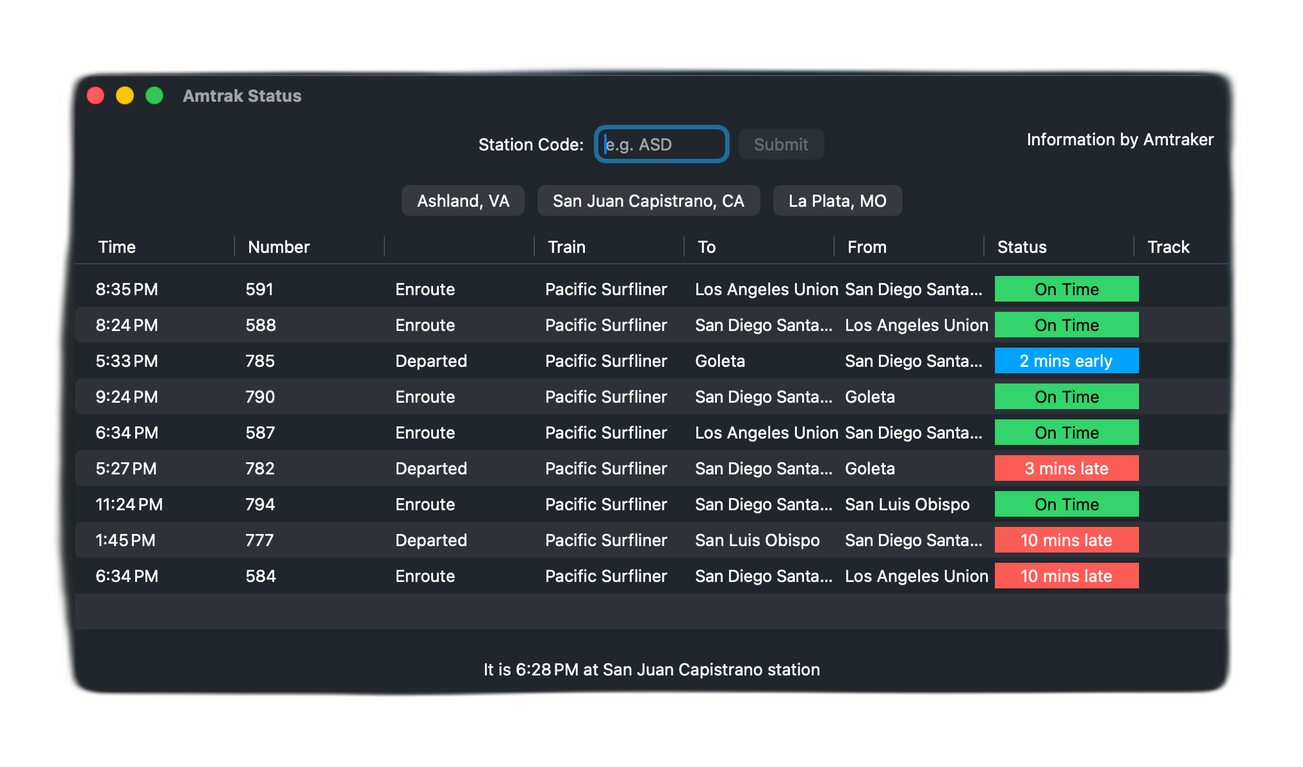
This was intended to solve a rather awkward dilemma. I turned a bunch of online Amtrak status boards made by Dixieland Software into PWAs (standalone web apps) for stations that I viewed on Virtual Railfan. While it was convenient - don't get me wrong - I had to create a new web app for each and every station, and it was becoming overwhelming.
So I created simple frontend that mapped to Dixieland Software's API using Tauri. You could type in simple station code and it'd take you their status board from within the app. Simple, right? Unfortunately, I didn't know how to get it go back to change the station, my attempted UI redesigns kept failing, and I accidentally botched a migration to Tauri 2.0. I'm just not that good with Node.
So it sat abandoned until I discovered SwiftCrossUI. Now it directly makes use of Amtraker's API, based on models ported from Amtrak.js.
⚖️ License
I license this project under the GPL-3.0 license - see LICENSE for details.
⚠️ Disclaimer
This project is not in any way affiliated with Amtrak.